Skip to content

Software for physiotherapy and training studios, with an app your clients take home.

Enosis runs the studio: bookings, client records, sessions, workouts, questionnaires and progress photos. Your clients get an app of their own, where they book and follow the plan you gave them. When your force plate, force gauge or body scanner exports a file, Enosis adds the results to the same record.

A client's peak force chart in the Enosis app, left against right from 1 September to 10 November, from demonstration data.
The client's own app on a phone: the training plan Lower body strength, with large stills of the back squat and the Romanian deadlift, and Start.
The Enosis app, with demonstration data.

What Enosis does in your studio.

Everything about a client is kept on their record: the booking, the session note, the plan they follow at home and the results from your devices.

Read how it works in a physiotherapy practice and in a personal training studio.

Calendar and online booking

Set up your own session types and share one public link, where clients book a free time themselves. Clients with an email address get a reminder 24 hours before, and you can change when it goes out.

More about online booking
The week view of the studio calendar in the Enosis app, with Public link at the top.
The studio's public link on a phone: November's calendar, the free times on 18 November, and Continue.

Workouts your clients follow at home

Build a workout once and adapt it for each client. In the studio you run it from your phone. At home they open the same workout in their own app and tick off each set, and you see those days in your charts too.

More about workouts
A live session on a phone: the sets of the client's workout with last time's loads, the first exercise done.

Charts the client can read

Each result joins the client's timeline, left against right, and the gap between the sides is written out, as in the reading here. The change since the first test is shown as a number. Show the chart on your phone or send it as a PDF, and the client finds their charts in their own app.

More about the client app

Peak force Tindeq Progressor 200

10 Nov 2026

Left
212.0N
Right
205.0N

Left is higher by 3.3%

Demonstration values.

Measurements from your devices

Upload the export from VALD ForceDecks, Tindeq Progressor 200 or Scaneca 3D. Enosis proposes a client for each result and holds it in the Inbox until you confirm it. Using another device? Tell us which one.

More about the devices
  • Hannelore Grünstäudl-Countermovement Jump-2026.11.10.xlsx VALD ForceDecks
  • peakforce_data_left_right_10_11_2026.csv Tindeq Progressor 200
  • Vergleichsbericht.pdf Scaneca 3D
The Enosis Inbox: two ForceDecks countermovement jumps, each with its proposed client on a new session, ready to keep, with Upload file and Keep all.

The software, and the hardware we are building.

A client's countermovement jump height in the Enosis app, from 31.2 cm in September to 34.5 cm in November, from demonstration data.
Product interface, demonstration data.

Software

Enosis LAB

The software your studio runs on. It reads the files your devices export and keeps one history per client, and you run each session from your phone.

See Enosis LAB

Hardware

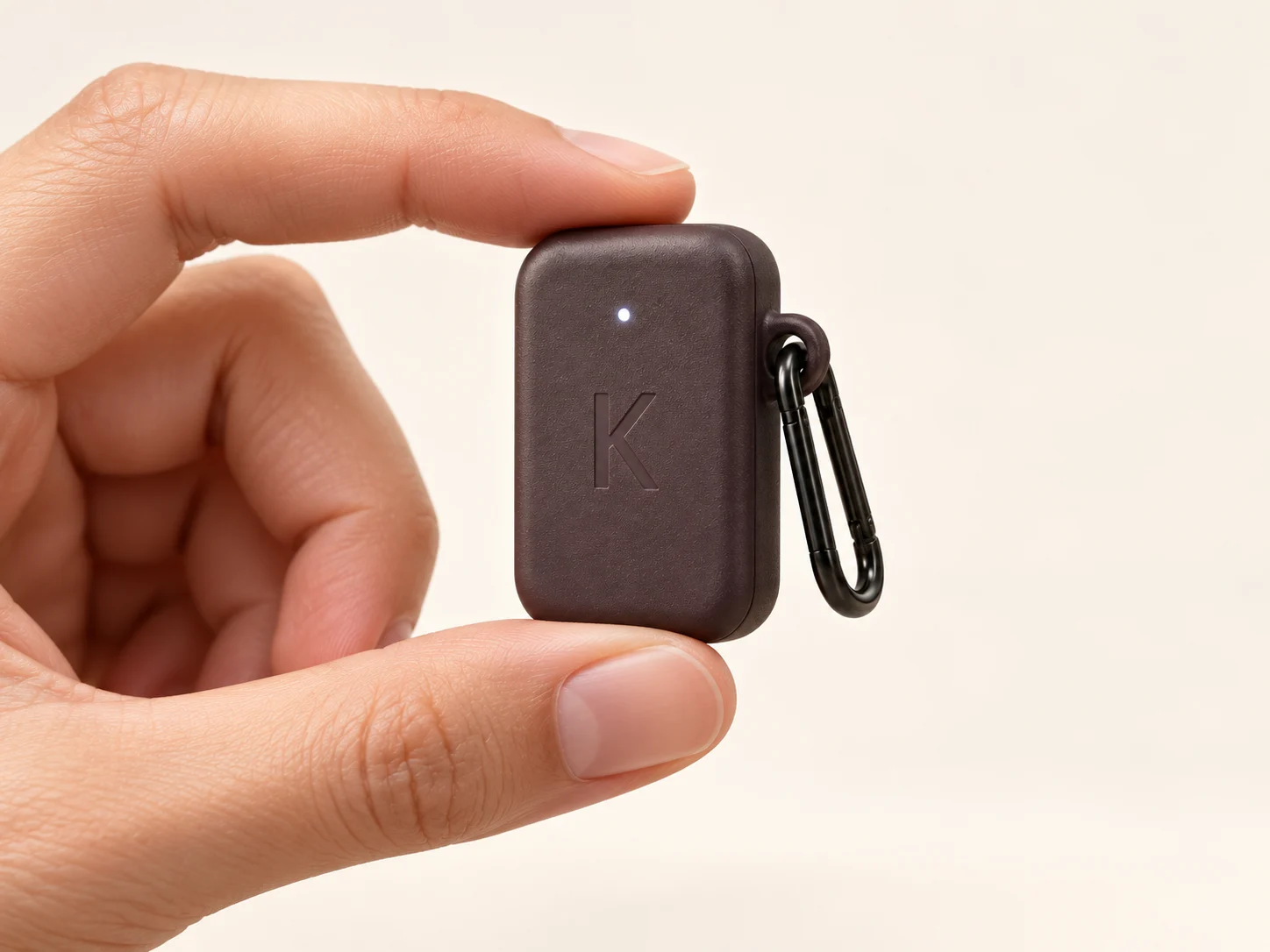
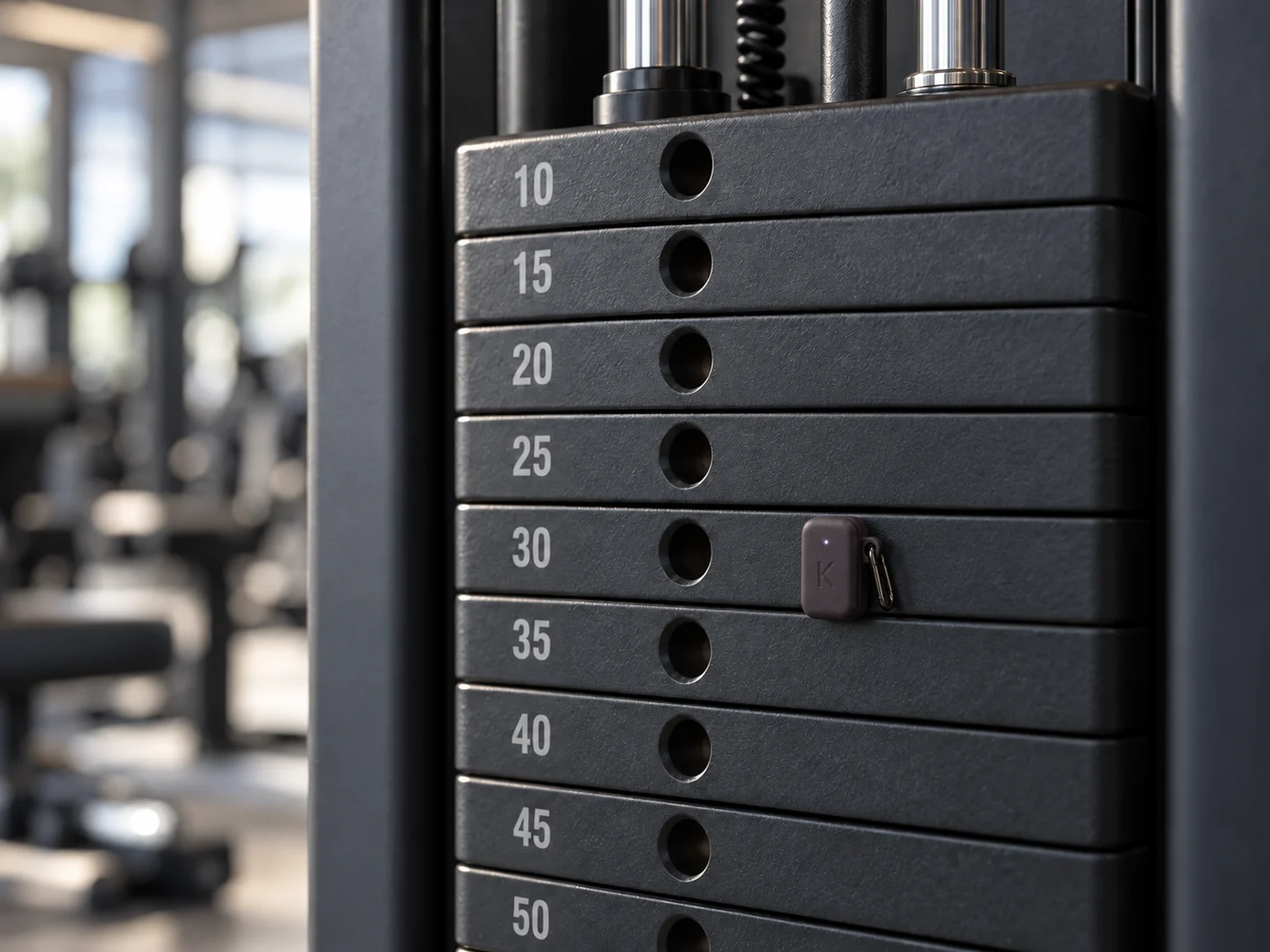
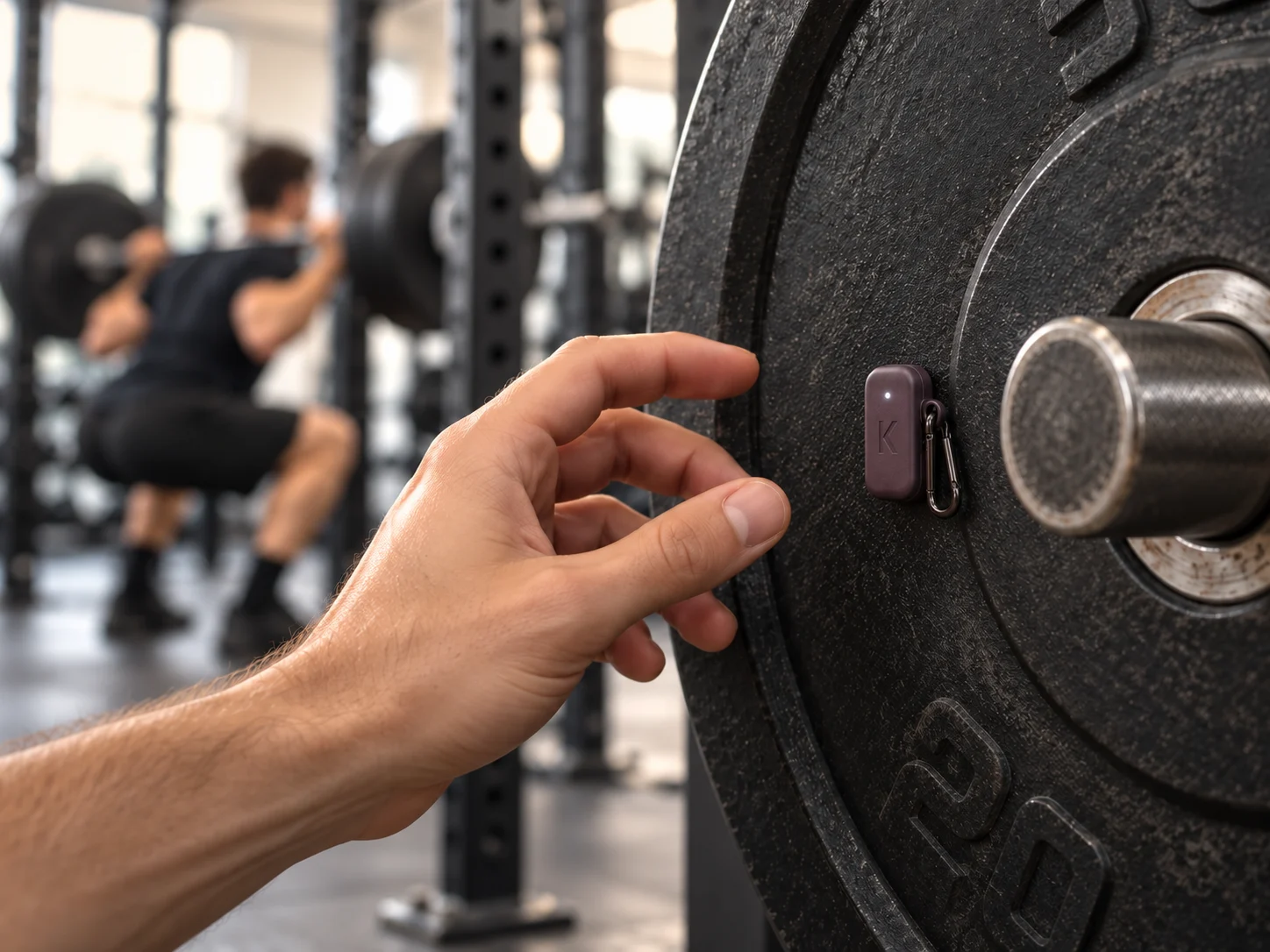
Kinesis

A small magnetic clip for the machines and bars a gym already has. It reads the load from an NFC sticker and measures every repetition, and the machine itself is not modified.

Hardware in development.

Tell us about your studio.

Which devices do you use, and what is hardest in your studio's week? If we do not read your device yet, send us one file it exports, and we will tell you what it would take to read it.

Talk to us